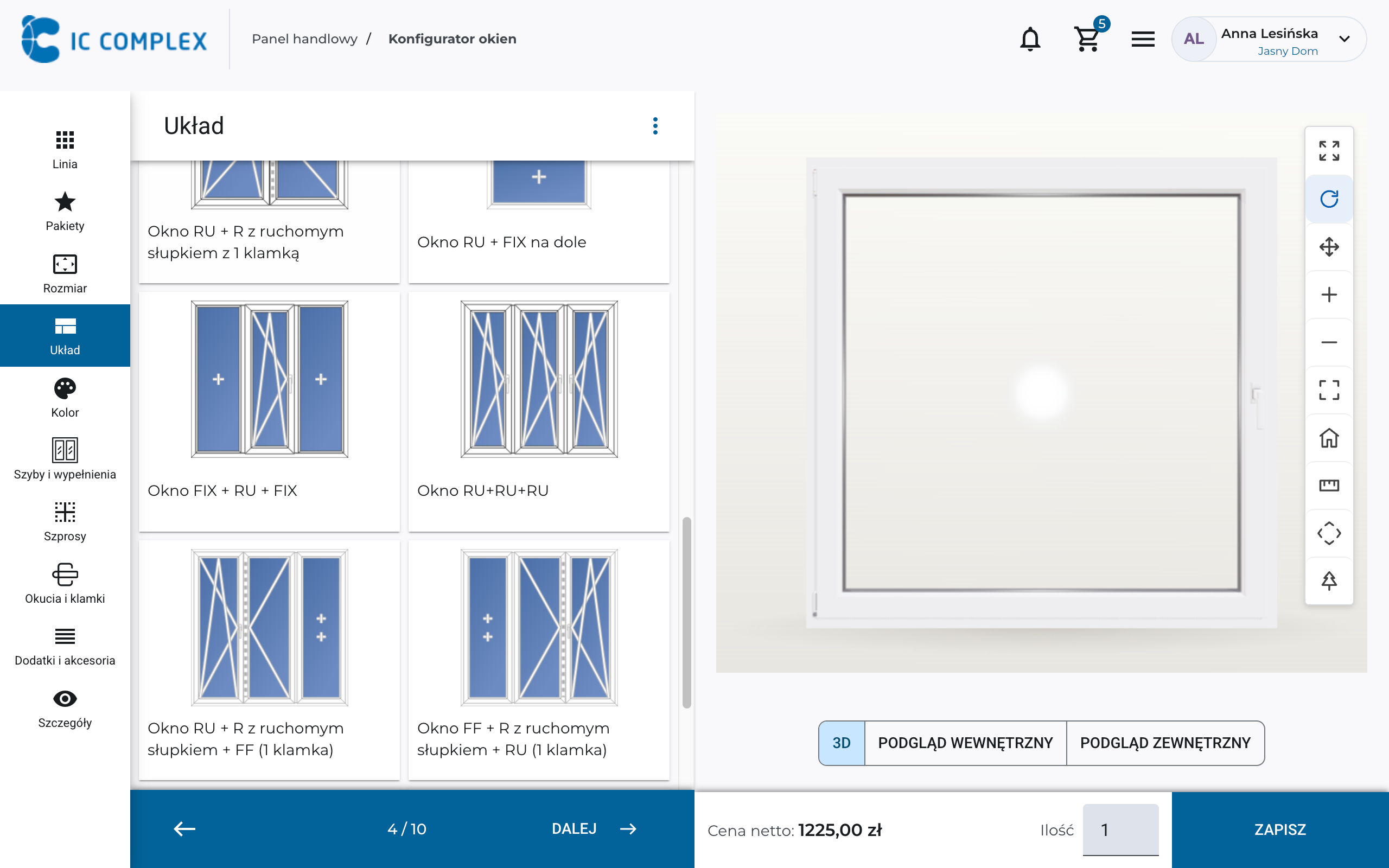
Dimensions that match the project.
Start with width and height. If the project changes, enter new dimensions—the design adjusts without starting the drawing over.
From simple windows to arches, angled shapes, and complex assemblies. IC WINDOW helps manufacturers, dealers, and customers select shapes, divisions, and hardware without CAD knowledge, with 3D previews and pricing updated at every change.
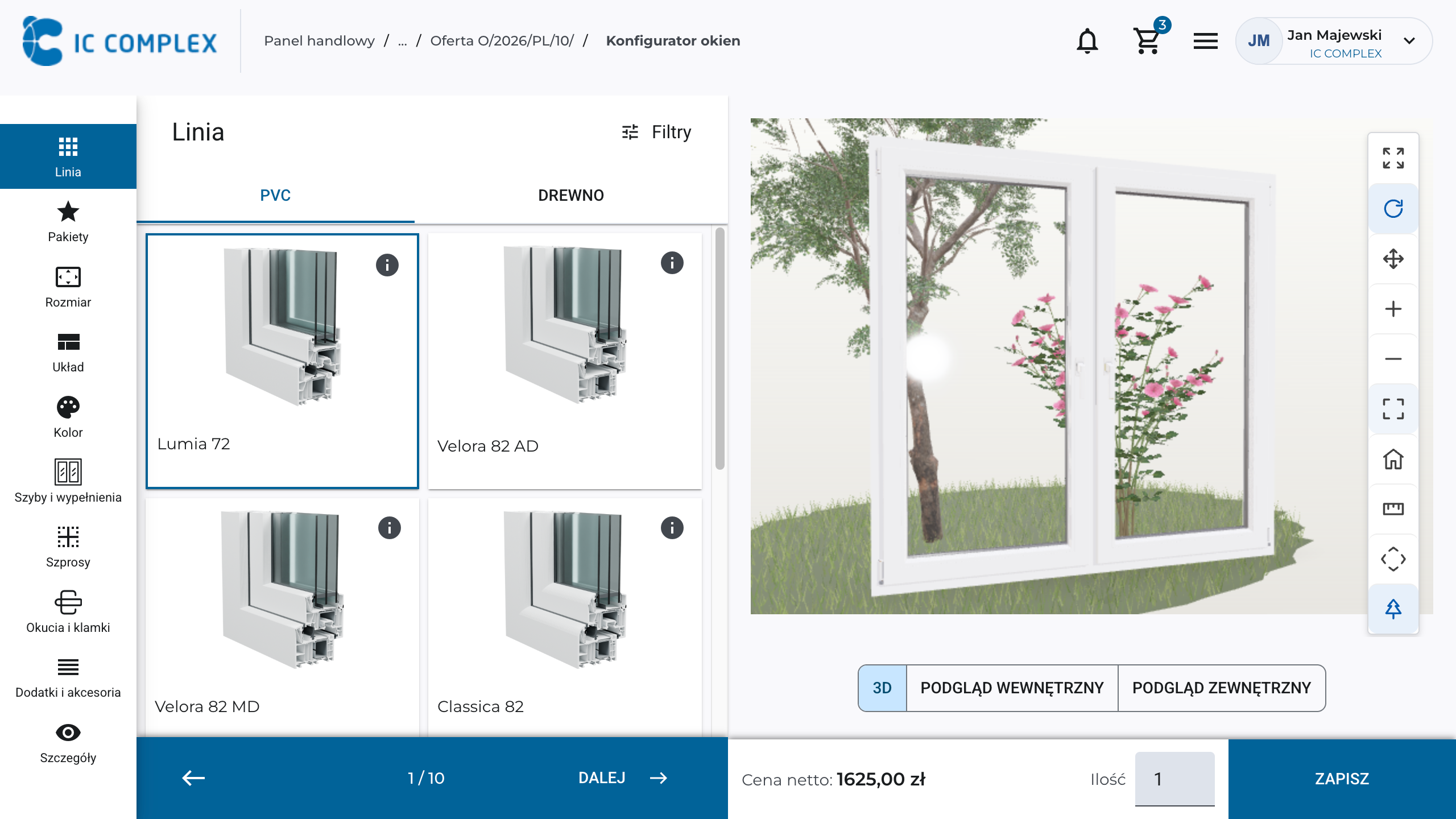
Adapt the unit to your project and see the result immediately. Change the layout and compare finishes on the window model, independently or with an advisor.
Start with width and height. If the project changes, enter new dimensions—the design adjusts without starting the drawing over.
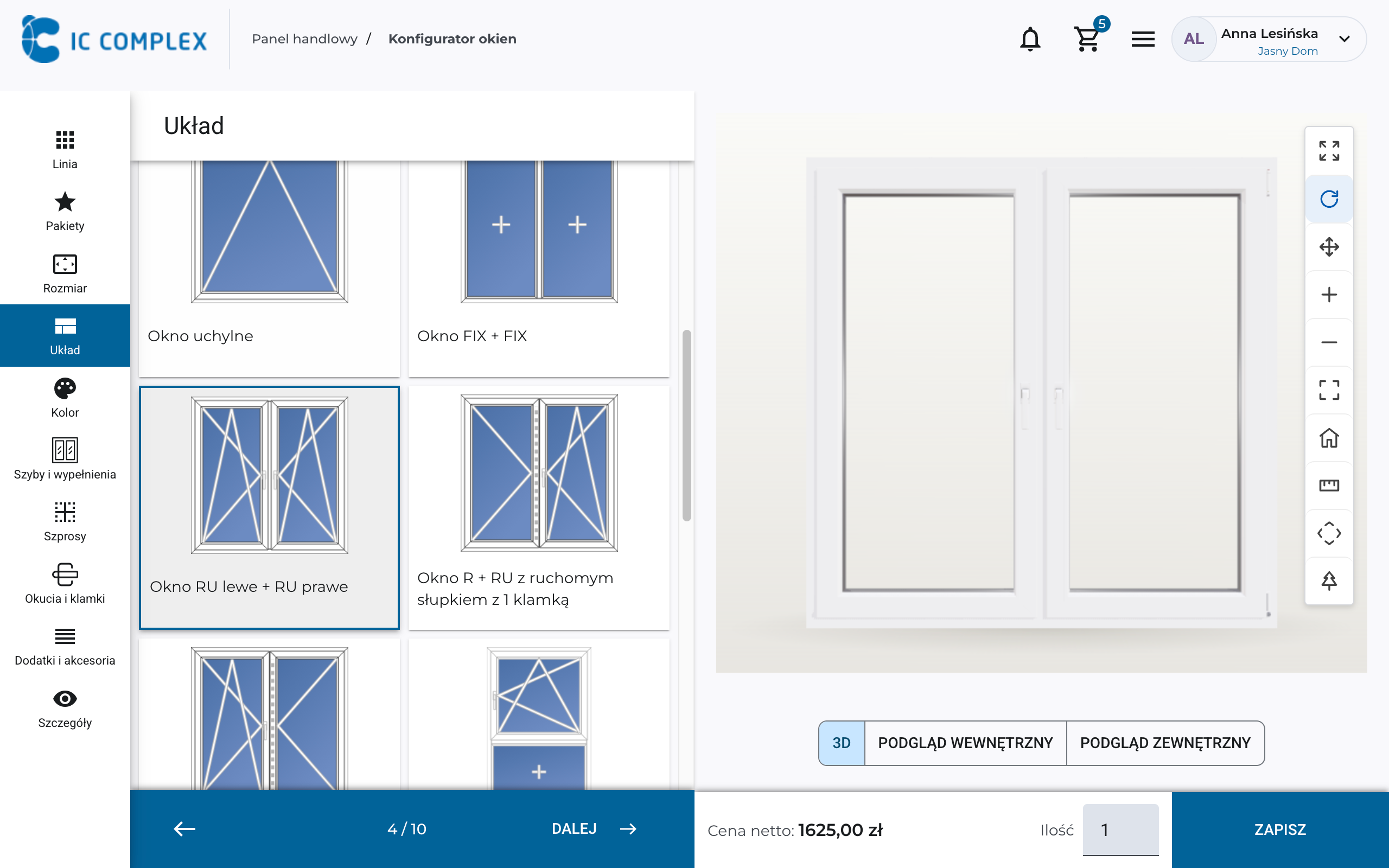
Choose sashes, mullions, and opening types. Adapt the window to the room and how it will be used by changing individual elements within the same project.
Compare colors and finishes on the window you are designing. See the change across the whole unit and choose what fits the interior and facade.
Choose glazing for your thermal performance, appearance, and privacy requirements. Compare insulated glass units that help reduce heat loss, and see how clear or patterned glass changes the window’s appearance.
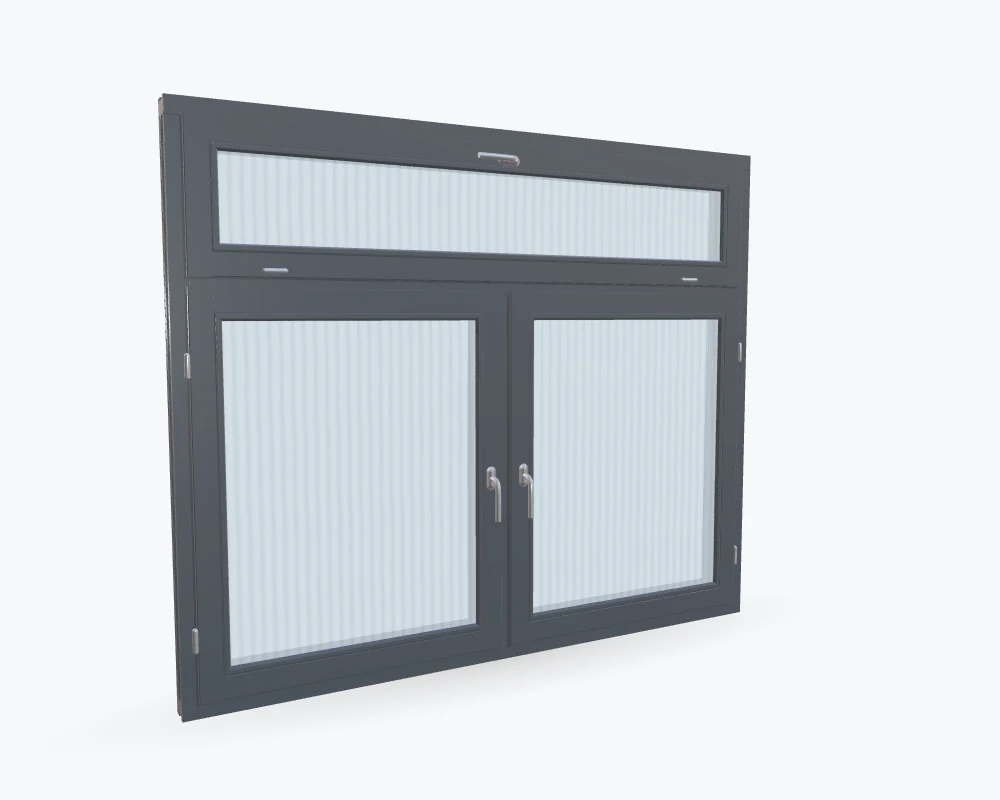
Design custom-shaped windows without drawing the construction manually. Choose a shape, adjust divisions and equipment, and let the configurator guide you through each decision.
Create arched, trapezoidal, circular, sliding, and multisection designs in one tool using available systems and components. Manufacturing rules help you choose compatible solutions.
Design large glazed facades and balcony door assemblies. Join windows and doors horizontally or vertically using couplers available in the selected system.
View the full assembly in one drawing, with pricing that includes coupling profiles. Assess its proportions and total cost without combining sketches or adding up separate calculations.
Configure lift-and-slide (HS) doors and tilt-and-slide (PSK) windows and doors in IC WINDOW. Choose the opening scheme, dimensions, color, and hardware, then see the result in 3D. Fit the solution to your project and check pricing without manual drawings.
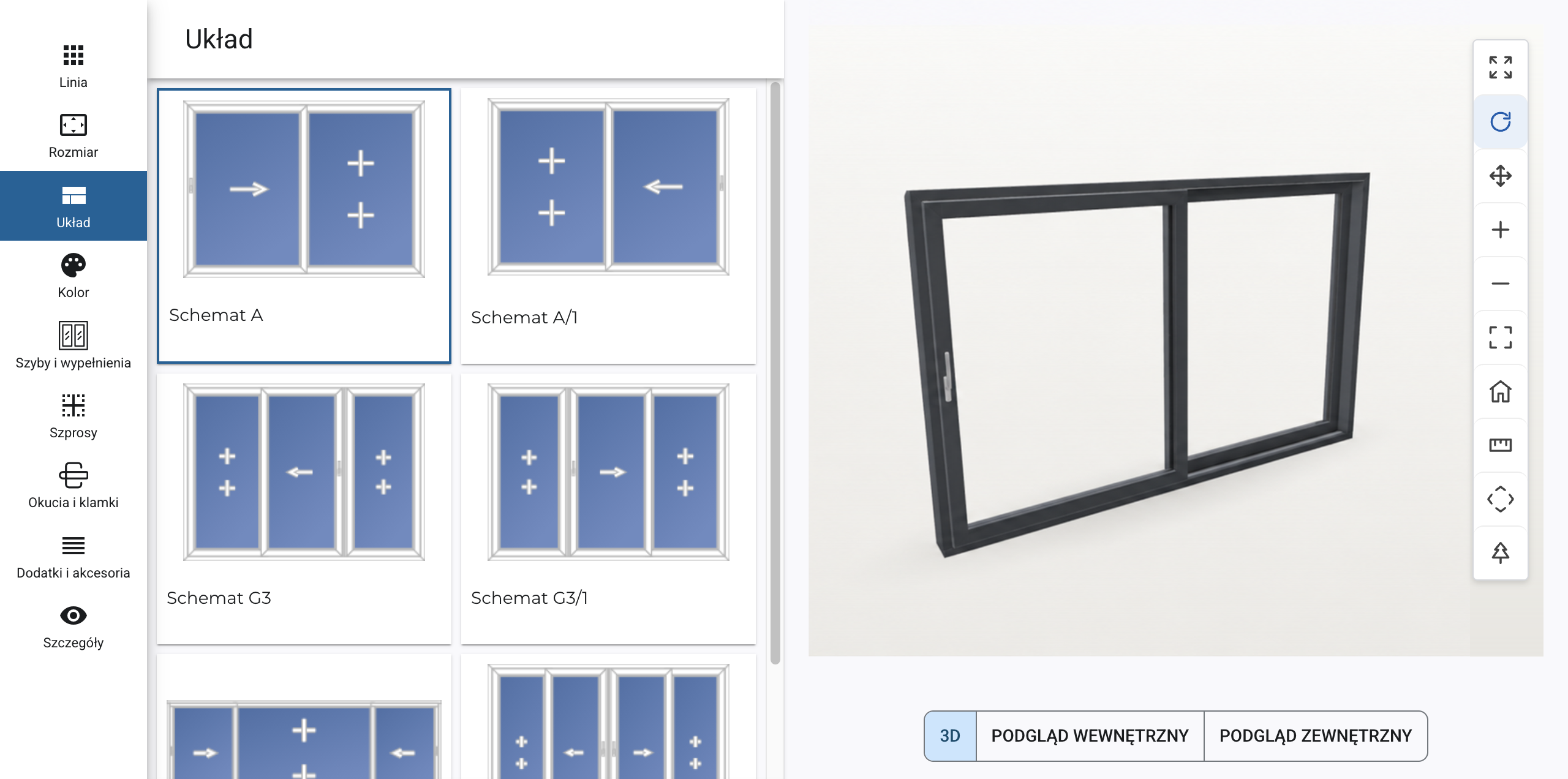
Choose a color, change dimensions, or add equipment—the price updates after every selection. See what raises the cost and where you can save. Compare options and fit the window to your budget without waiting for a final quote.
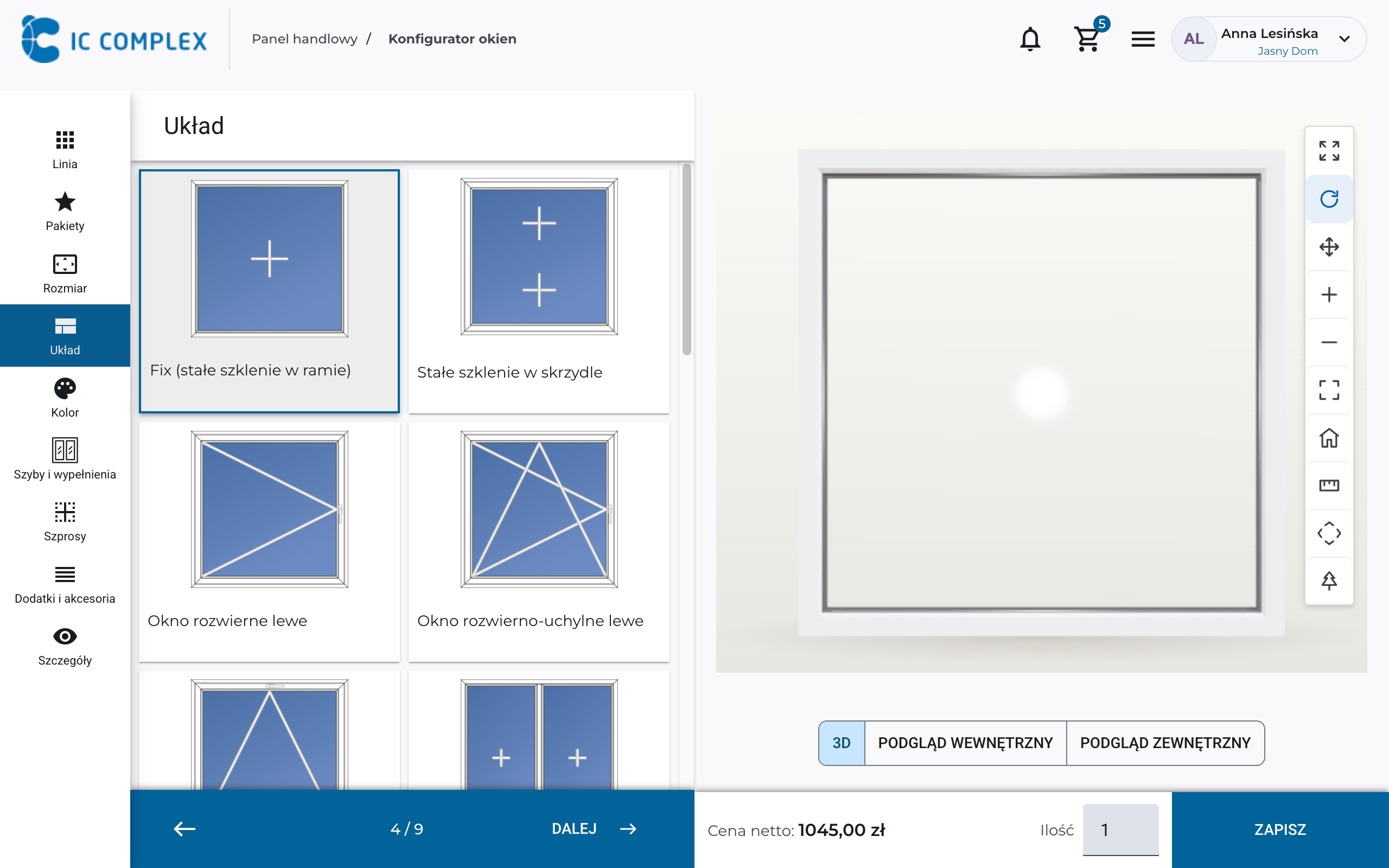
Choose a different product line, color, or glazing for a group of windows, and IC WINDOW recalculates the whole set. See the price difference and compare alternatives immediately, without configuring each window again.
Add a roller shutter and insect screen in the same window configuration. The configurator matches corresponding colors and sizes the accessories to the window construction. Create a coordinated assembly for sun and insect protection without manually recalculating dimensions or looking for matching colors.
As you configure a window, you learn its profiles, glazing, hardware, and dependencies. Salespeople learn the range faster, while customers understand the choices and select hardware more confidently.
A lower Ug value means less heat loss through the glazing.
RC2 under PN-EN 1627: 3 minutes of resistance in testing with tools including a screwdriver, wedge, and pliers. Requires P4A glazing; the complete window must be tested to confirm the class.
IC WINDOW checks dimensions, divisions, profiles, glazing, hardware, and their dependencies against manufacturer rules. If something does not fit, you immediately see what to fix. Create a valid window more easily, even on your first configuration.
In IC ADMIN, manufacturers manage profiles, colors, insulating glass units, hardware, and accessories themselves. Dealers and customers use the prepared range and selection rules without needing to understand technical settings.
We can deploy a configurator with a selected product range and price lists in a few days. Afterward, the manufacturer updates data in the admin panel when introducing products or changing hardware.
Let customers choose their own design, view it in 3D, and check the price in your configurator. They can then approach your sales advisor with a specific idea.
IC WINDOW works online wherever you are—in the showroom, at a customer’s home, or at your own. Launch it on your website as a standalone solution or connect it to quoting and order management in IC COMPLEX.
Yes. Embed IC WINDOW on a manufacturer or dealer website as a standalone solution. The full B2B platform is not required for window configuration, visualization, and pricing. We agree on the project handoff during implementation.
Use it in a browser wherever you have internet access—in the showroom, at a customer meeting, or at home. No separate window design software is needed.
We prepare systems, profiles, colors, glazing, hardware, accessories, and their combination rules. Pricing uses agreed price lists and surcharges so users design windows you actually sell.
Offer PVC, wood, and aluminum windows and doors in one configurator. Define the appropriate profiles, equipment, technical rules, and pricing for each system.
The unit price is calculated from the materials and components required to manufacture it and their prices. We tailor the calculation to your company’s pricing rules.
Step by step, select the layout, dimensions, and hardware. The 3D preview and guidance help you evaluate choices without drawing the unit yourself. Customers, dealers, and manufacturer staff can use the same configuration workflow.
Changing dimensions, layout, color, or equipment triggers a recalculation using your pricing rules. See the cost impact immediately and fit the design to the budget without waiting until configuration is complete.
When integrated with IC COMPLEX B2B, prices, discounts, and access to purchase prices follow the user's terms and permissions. For a public website configurator, we agree separately on customer pricing visibility. This keeps dealer commercial terms out of the customer quote when required.
IC WINDOW supports arches, angled shapes, trapezoids, circles, sliding systems, multi-lite assemblies, and balcony door combinations. Join units side by side or vertically. Available solutions and size limits follow the prepared catalog and the manufacturer’s production capabilities.
Select them within the same configuration. Based on the defined rules, the system matches colors and sizes the shading products to the window. You get a complete assembly without calculating accessory dimensions separately.
It checks dimensions, divisions, profiles, glazing, hardware, and dependencies against manufacturer rules. Incompatible choices trigger guidance on what to correct, reducing design errors even when customers configure products independently.
Choose an alternative product line, color, or glazing for a group of items, and the system recalculates the configuration and quote total. There is no need to configure each window again. Alternatives are available only where the design is compatible with the selected system.
In IC ADMIN, manufacturers manage product lines, profiles, colors, insulating glass units, hardware, accessories, and price lists themselves. Their own team can expand the range, while configurator users work with the published products and rules.
In IC COMPLEX, the design is added to a quote with its drawing, specifications, and price, and the manufacturer or dealer can continue processing the order. For a standalone website configurator, we agree on how completed designs enter your sales process.
We need products, system and component data, selection rules, and prices including surcharges. Identify typical units to test and intended users. Together, we determine what is ready and what is missing.
We can deploy it in a few days with an agreed scope and prepared product data and price lists. We confirm timing after review. Extensive integrations and custom extensions are planned separately so you can start with what you need.
We have experience connecting IC COMPLEX to manufacturer and dealer systems. We define the data, formats, and exchange points, then tailor the integration method and project price to your software and process.
We help prepare data, validate configurations, and get users started. Training, post-launch support, and further development are agreed during implementation to fit your team’s needs.
We walk through layout, dimensions, hardware, 3D previews, and price changes. Show us standard and unusual units you sell so we can define how to model your range and what to launch first.
Cost depends on the products, data preparation, deployment method, user count, and integrations. You can start with a standalone website configurator. After reviewing your needs, we quote implementation and define ongoing use and support terms.
Discover a configurator that makes selling easier. We will demonstrate design, 3D visualization, and live pricing, then discuss rollout on your website or dealer network.