One sash. Your project starts here.
Start with a single door in light wenge, with a lever handle and no sidelight. Customers immediately see the leaf proportions and a starting point for their next choices.
Help customers choose a door that fits their home. In IC Door, they select a design, color, and pull handle, view it with sidelights in 3D, and obtain pricing based on your rules.
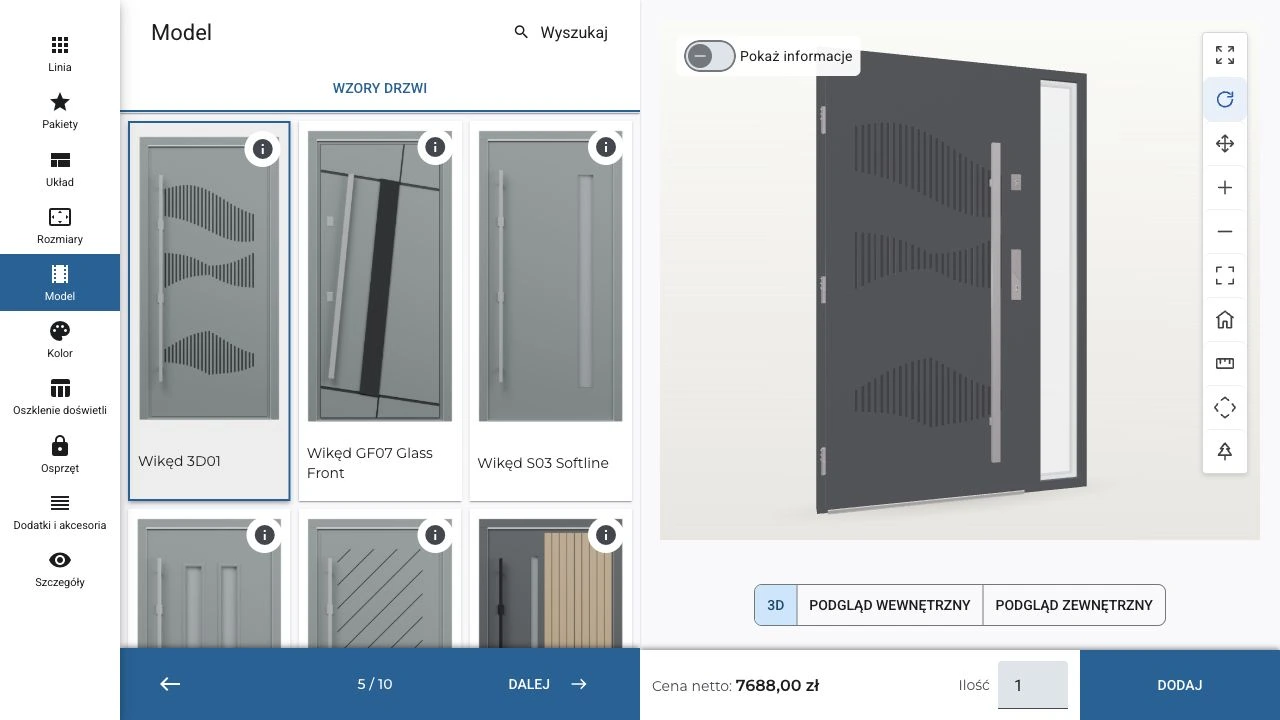
Customers buy with their eyes. Show the proportions of the entrance, the door design, and handle details in one visualization. Each choice brings them closer to a decision.
Start with a single door in light wenge, with a lever handle and no sidelight. Customers immediately see the leaf proportions and a starting point for their next choices.
Add a sidelight and show how it changes the entire entrance. The door leaf keeps its design, color, and handle, so the customer compares only the layout while you fit it to the opening.
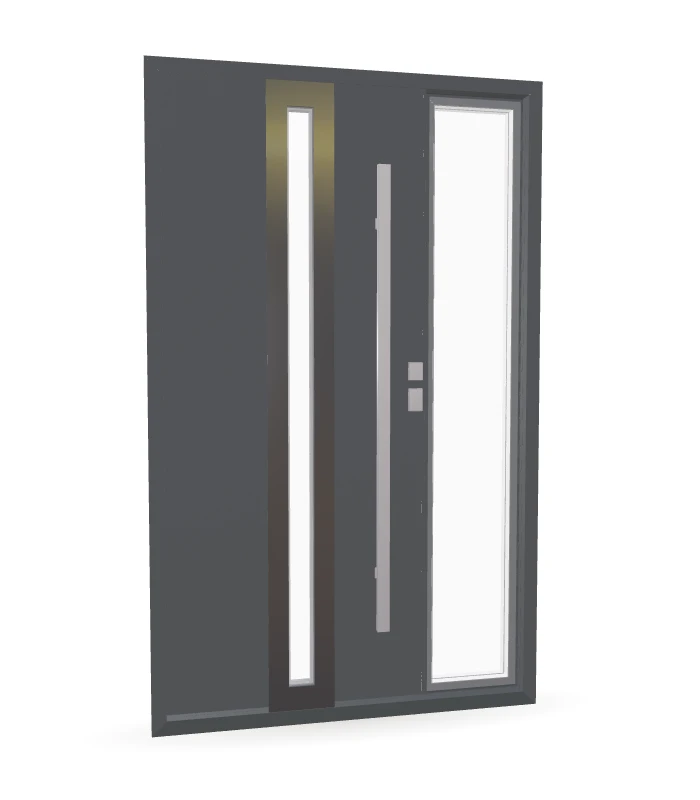
Add vertical glazing and a light-colored accent to give the door character. Select a catalog design and show it on the configured door without looking for separate catalog photos.
Switch from light wenge to anthracite while keeping the light accent. Compare finishes on the same model so customers judge a complete door, not a small sample.
Replace the lever handle with a long pull handle and show the difference on the same door. Match its shape and color to the design—the visualization makes it easier to compare variants and explain the equipment choice.
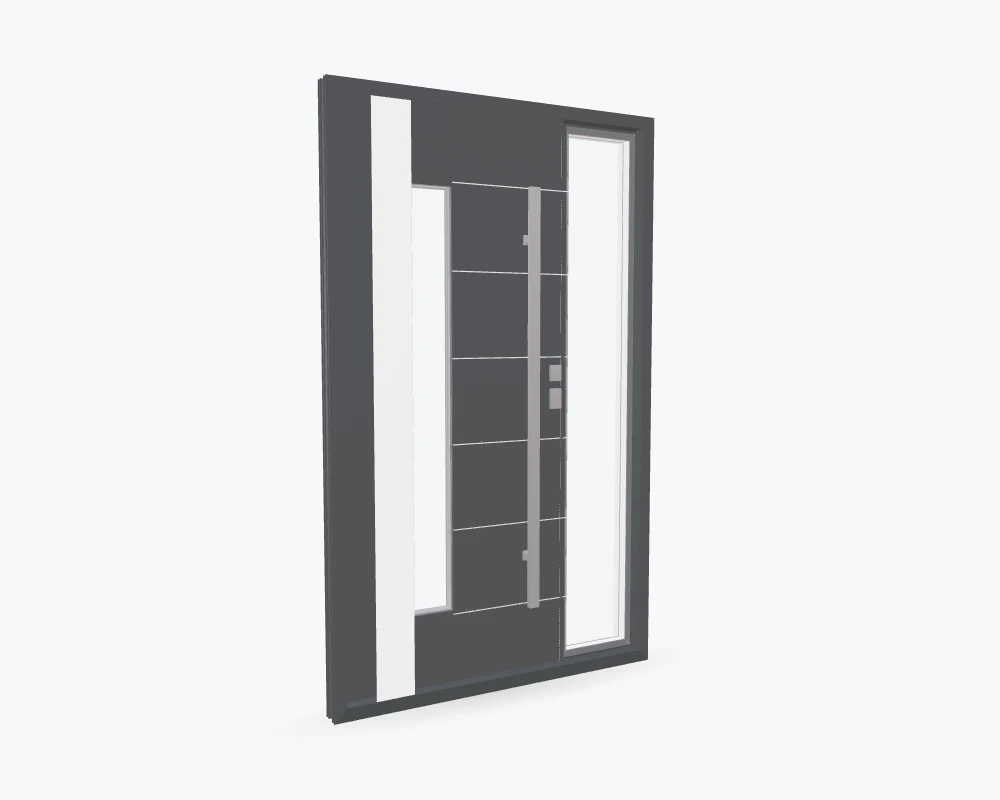
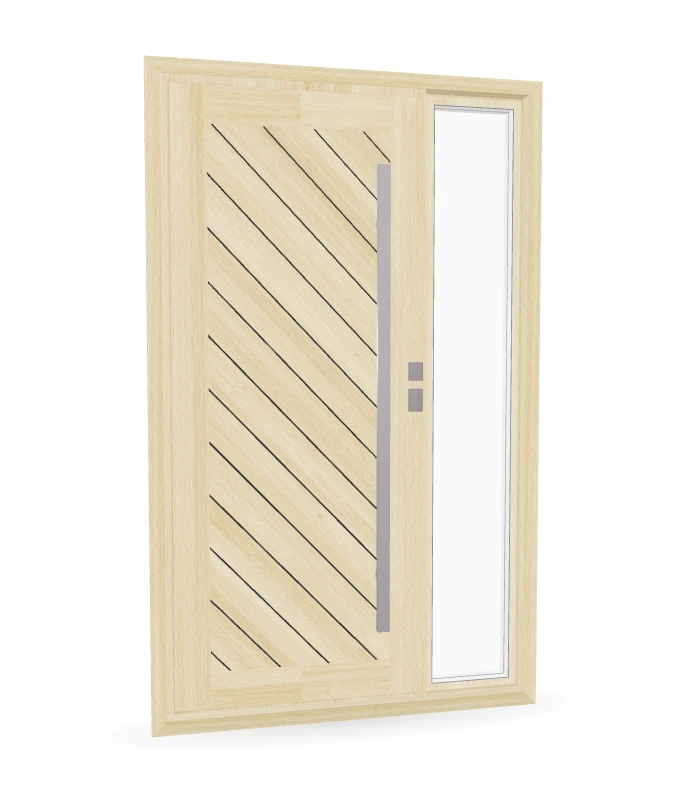
Let your catalog help you sell. Dealers browse photos, categories, and search results, then apply a design directly to the configured door. It is easier to narrow choices with the customer.
A flush leaf, decorative accents, or glazing—show options from your own range. Customers compare the look while salespeople guide the conversation without switching catalogs.
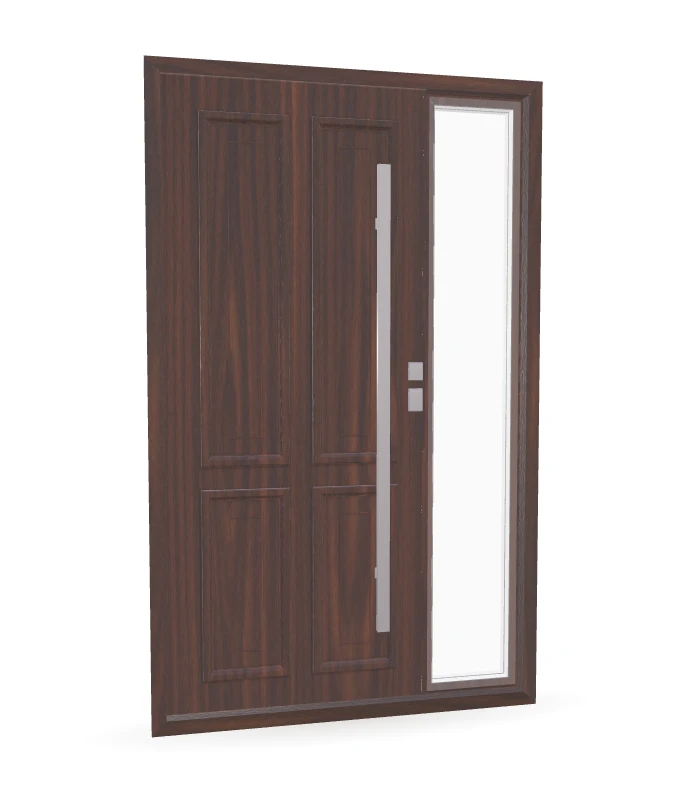
Design profile-system doors much like windows: select the system, dimensions, divisions, and glazing or infill. Create single- or double-leaf units according to manufacturer specifications.
Frame and leaf profiles, transoms, threshold, and hardware form one project. The drawing shows its divisions and the configurator applies component selection rules.
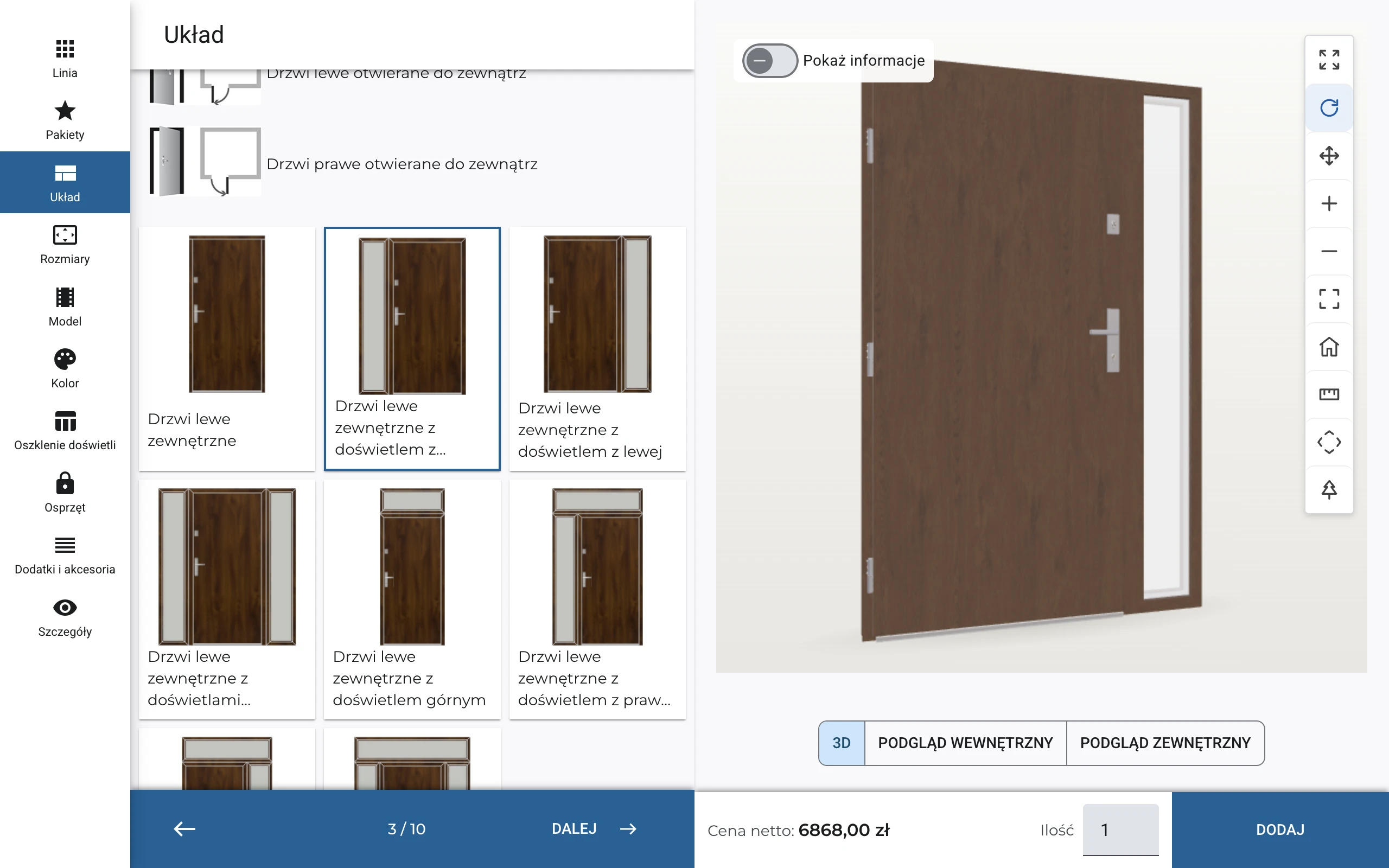
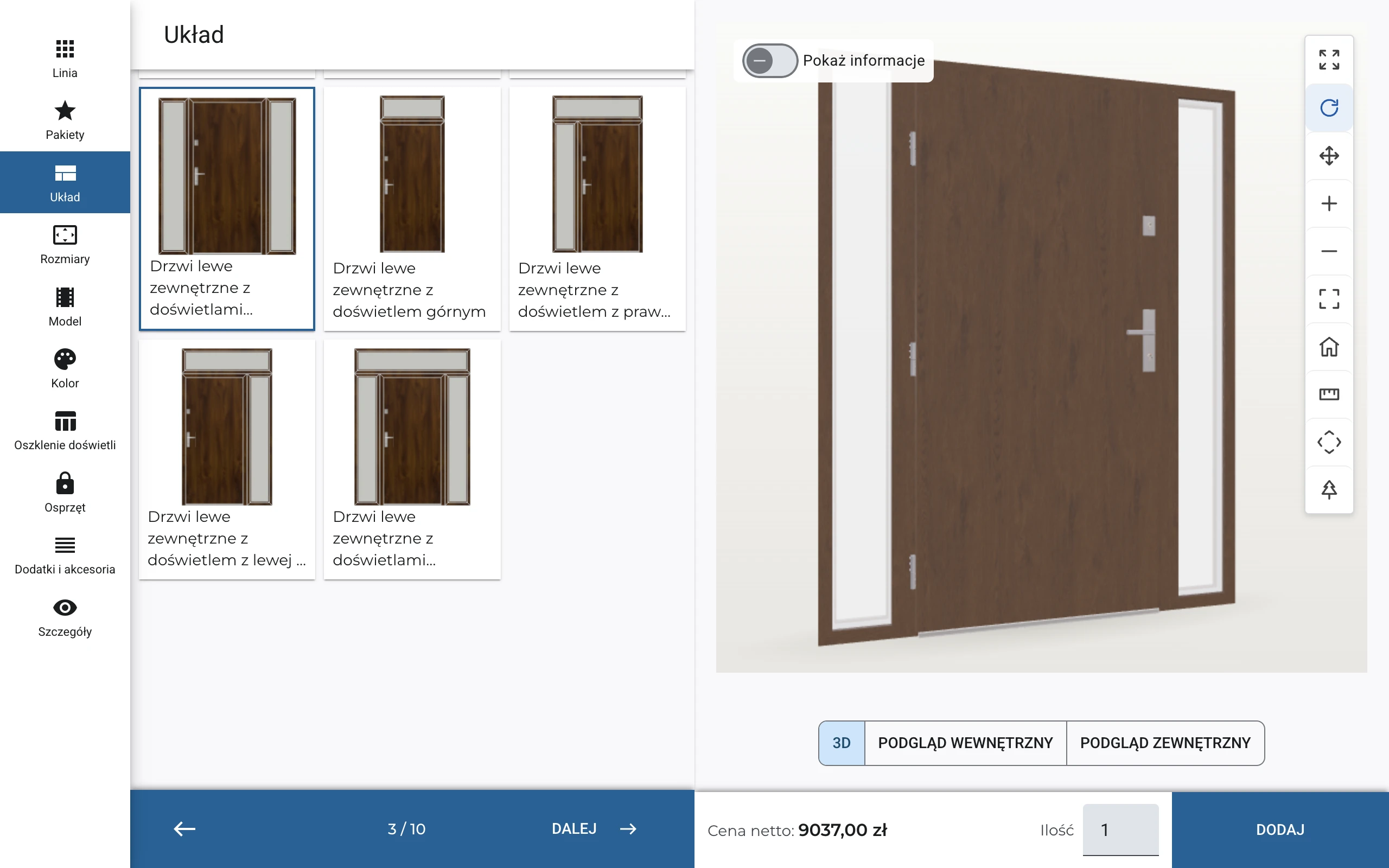
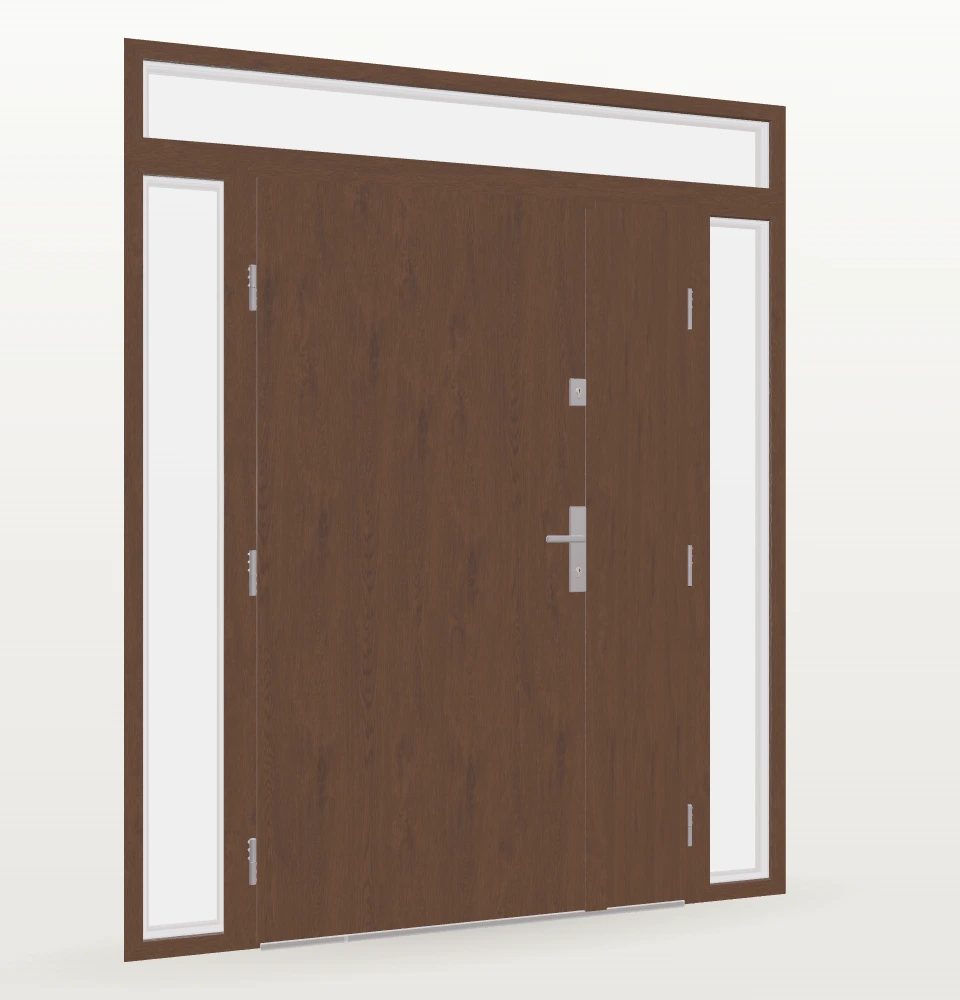
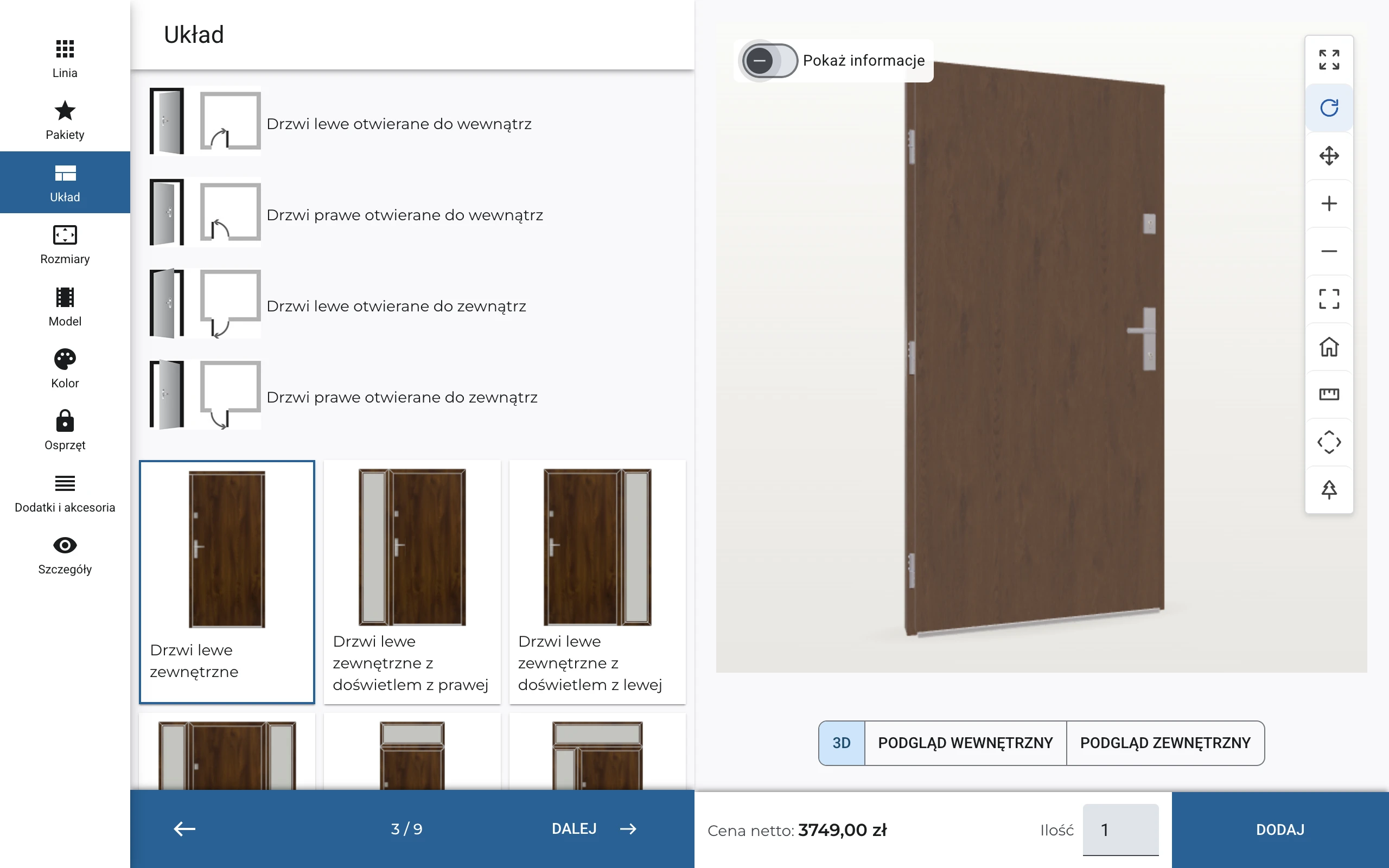
Choose a door on its own or add a sidelight on the left, right, or both sides. A transom light also uses the space above the door. See the proportions of the entire entrance immediately.
You can also choose a Duo layout with active and inactive leaves. Select handing, opening direction, dimensions, and sidelight glazing. It remains one assembly with one drawing and one price.
Choose a design, add a sidelight, or change equipment—the price updates after every selection. See what raises the cost and where you can save. Compare options and fit the door to your budget without waiting for a final quote.
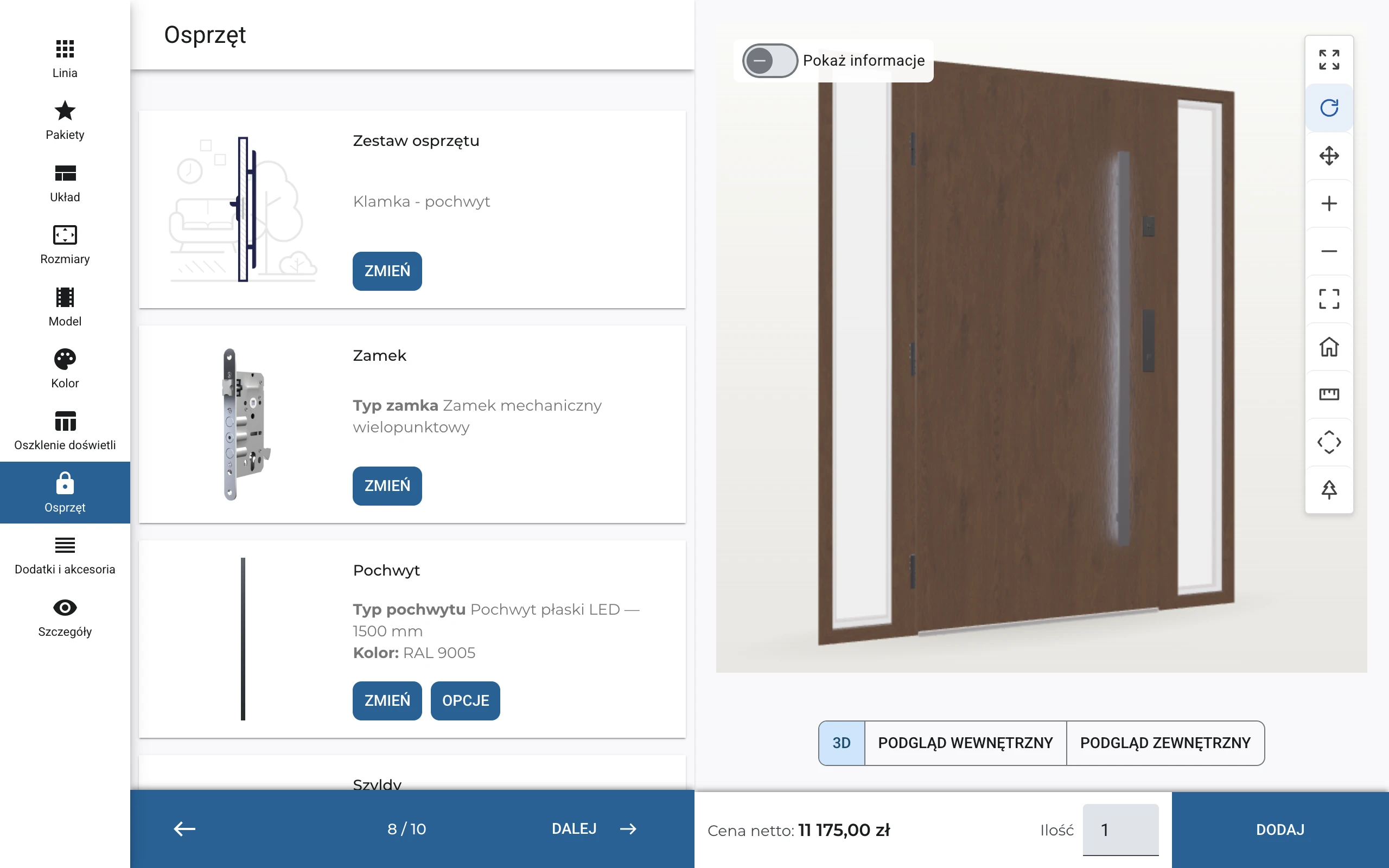
In the Hardware step, choose a lever/lever or lever/pull handle set, lock, escutcheons, cylinders, and hinges. You can see the selected equipment and open the available variants and options for each item.
Choose the pull handle model and color, lock operation, and cylinder type. The configurator checks component dependencies and flags points to consider, such as an electric strike when using a pull handle.
IC Door checks leaf and sidelight dimensions, model, glazing, hardware, and their dependencies against the manufacturer’s rules. If something does not fit, you immediately see what to correct. Create a valid door assembly more easily, even on your first configuration.
In IC ADMIN, manufacturers manage door models and designs, colors, glazing, equipment, and price lists themselves. Dealers and customers use the prepared range and selection rules without needing to understand technical settings.
We can deploy a configurator with a selected product range and price lists in a few days. Afterward, the manufacturer updates data in the admin panel when introducing collections or changing hardware and prices.
Door quotes depend on details: a different interior finish, a custom size, or equipment specific to a product line. We answer manufacturers' and dealers' questions about handling these variants in the system.
IC Door supports exterior, interior, and fire doors, as well as doors built from profile systems. Configure single- and double-leaf models, sidelights, and matching hardware. Parameters, available combinations, and selection rules follow the manufacturer’s documentation.
Yes. IC Door supports separate interior and exterior finishes and frame colors—for example, woodgrain outside and white inside. Define permitted combinations in your range so dealers do not need to add the second color in notes.
The system supports an independent interior-side design. Combine a decorative exterior panel with a different interior finish where the manufacturer allows it for that product line and model.
Yes. Profile-system doors support insert panels and exterior, interior, or double-sided sash-covering panels. Panel type is part of the configuration and specification, not merely an order note.
IC Door supports catalog sizes, custom width or height, and trimming options for the leaf and frame. Available fields and permitted values depend on the product line. Offer nonstandard sizes where you manufacture them and keep standard-size selection for other lines.
Yes. The inactive leaf has a separate size and model, so Duo can reflect real manufacturer options, including unequal leaf widths. Available inactive-leaf models follow the prepared catalog.
Yes. Door-panel glazing is selected separately from sidelight and transom glazing. Different glass units or options can be used. Leaf glazing availability depends on the model’s supported choices.
Yes. IC Door supports electronic cylinder variants and colors for compatible hardware sets. Include them in the product-line catalog rather than handling them separately outside the configuration.
Yes. Hardware configuration includes a door viewer and hole preparation. Enable them according to product-line rules so the selection stays in the configuration.
In IC COMPLEX, configured doors are added to a quote with a drawing, specifications, and price. Dealers can prepare a customer PDF and use the same data to process the order. Document details are tailored to the quote template in use.
When integrated with IC COMPLEX B2B, prices, discounts, and access to purchase prices follow commercial terms and user permissions. The customer quote does not have to disclose the dealer's terms. Pricing display rules for the public configurator are agreed separately.
Our demo covers design, color, and hardware selection, sidelight layouts, 3D visualization, and live pricing. We also discuss implementation options for your company.